Note: We are currently in the process of updating our articles and templates to incorporate new portrait and story formats. We appreciate your patience during this transition, and we will provide the updated sizes and dimensions here shortly.
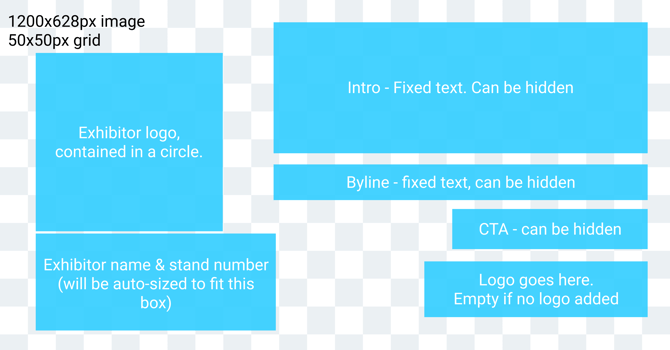
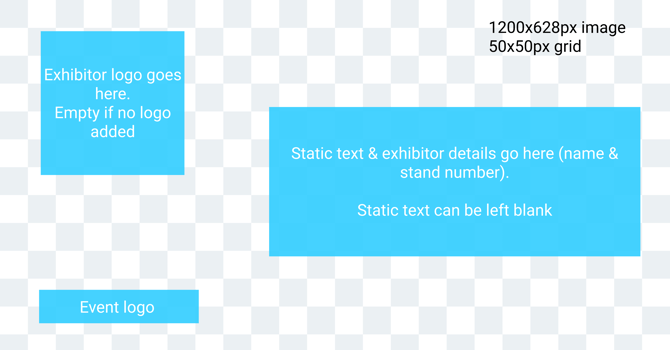
The reference images below show where the Gleanin fields should appear in your design. You can access template versions of these images in the supplied Figma file and share them with your designers.
If you opt for Quick Share on LinkedIn, be sure to follow the advice in this guide when creating your background design for optimal results.
Version one
Landscape Image (used on LinkedIn, X (formerly Twitter) and Facebook)
Instagram templates for portrait and story are being updated.
Version two
Landscape Image (used on LinkedIn, X (formerly Twitter) and Facebook)